
Objective and competency scorecard
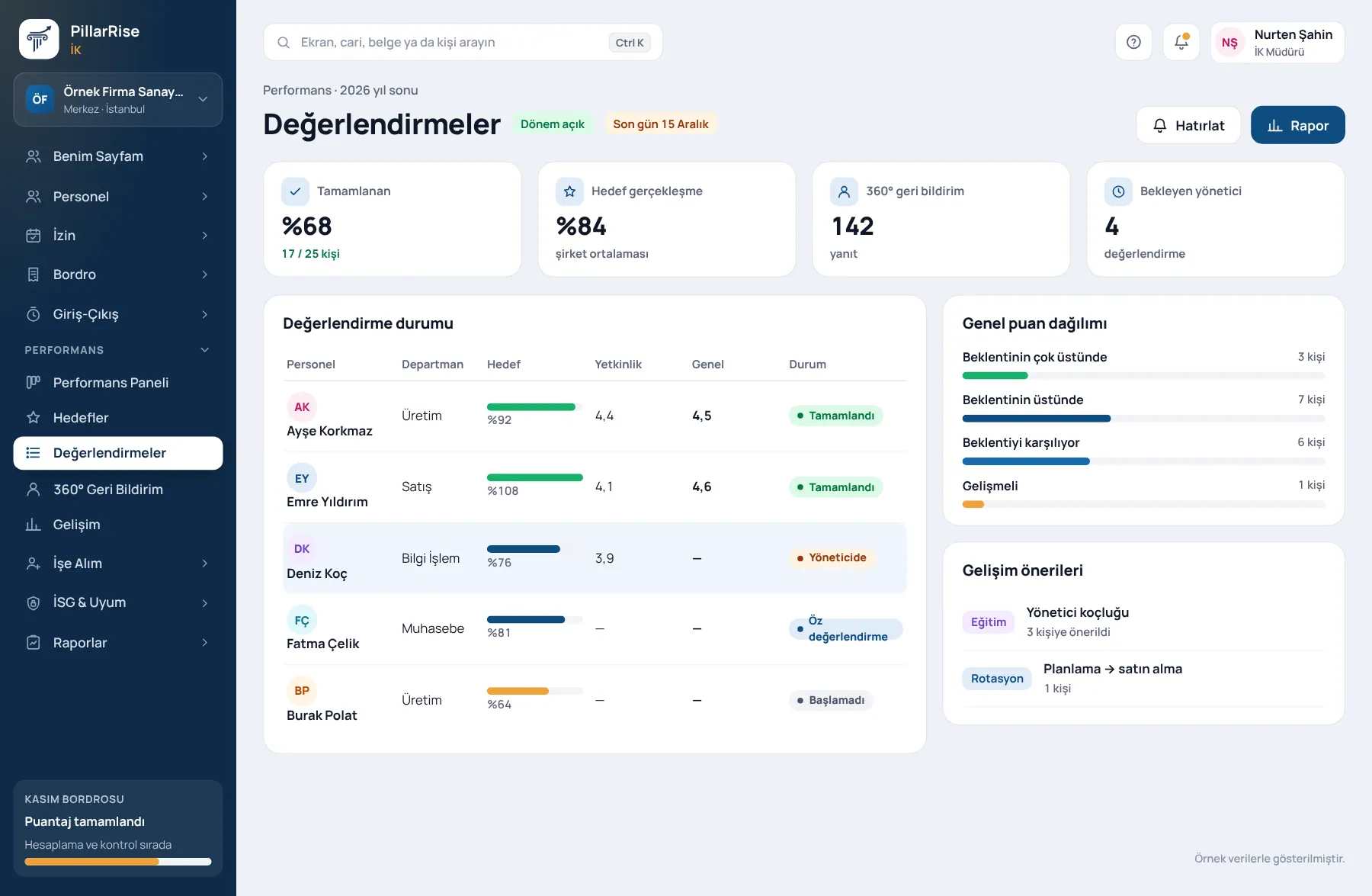
Objectives and competencies set at the start of the period; weightings by department.
PillarRise HR · Performance
Objectives and competencies are clear at the start of the period. Self-assessment, manager and 360° feedback move step by step; you can see who is waiting.
Performance
In the same system
Personnel RecordsPersonnel files, organisation and onboarding. LeaveRequests, approval, balances and calendar. PayrollCalculation, checks, payslips and journal entry. Time & AttendanceQR, location, shifts and timesheets.Shown with sample data. Business and personal names are not real. Application screens are in Turkish.
Performance
Objectives and competencies set at the start of the period; weightings by department.
Weighted manager, peer, direct report and self assessment; without direct reports the weighting rescales. Who gave which score is never shown.
Quarterly objectives, up to five key results, scored 0.0–1.0 (0.7 is good). OKR scores do not feed into the scorecard.
Recognition Wall and private development notes; one-to-one notes are visible only to the manager.
PillarRise HR
All on the same database with one login; add them as you need them.
Frequently asked questions
Yes; questions and weightings are defined per department.
No. Results are shown by group; the report never shows individual scores by reviewer.
In a 30-minute demo we listen to how you work and open the Performance screens with an example close to your business. Set-up is done as process design, with support from our consultants.
Your cookie preference We would like to use Google Analytics cookies to improve the site and measure whether our advertising works. These cookies run only with your consent; if you decline, the site works just the same. Cookie Policy (TR)