
Encrypted, flexible records
Salary, national ID and IBAN fields are encrypted; company-specific fields can be added.
PillarRise HR · Personnel Records
Identity, role, pay, leave, training and documents in tabs. Sensitive fields are masked and encrypted; who saw what is recorded.
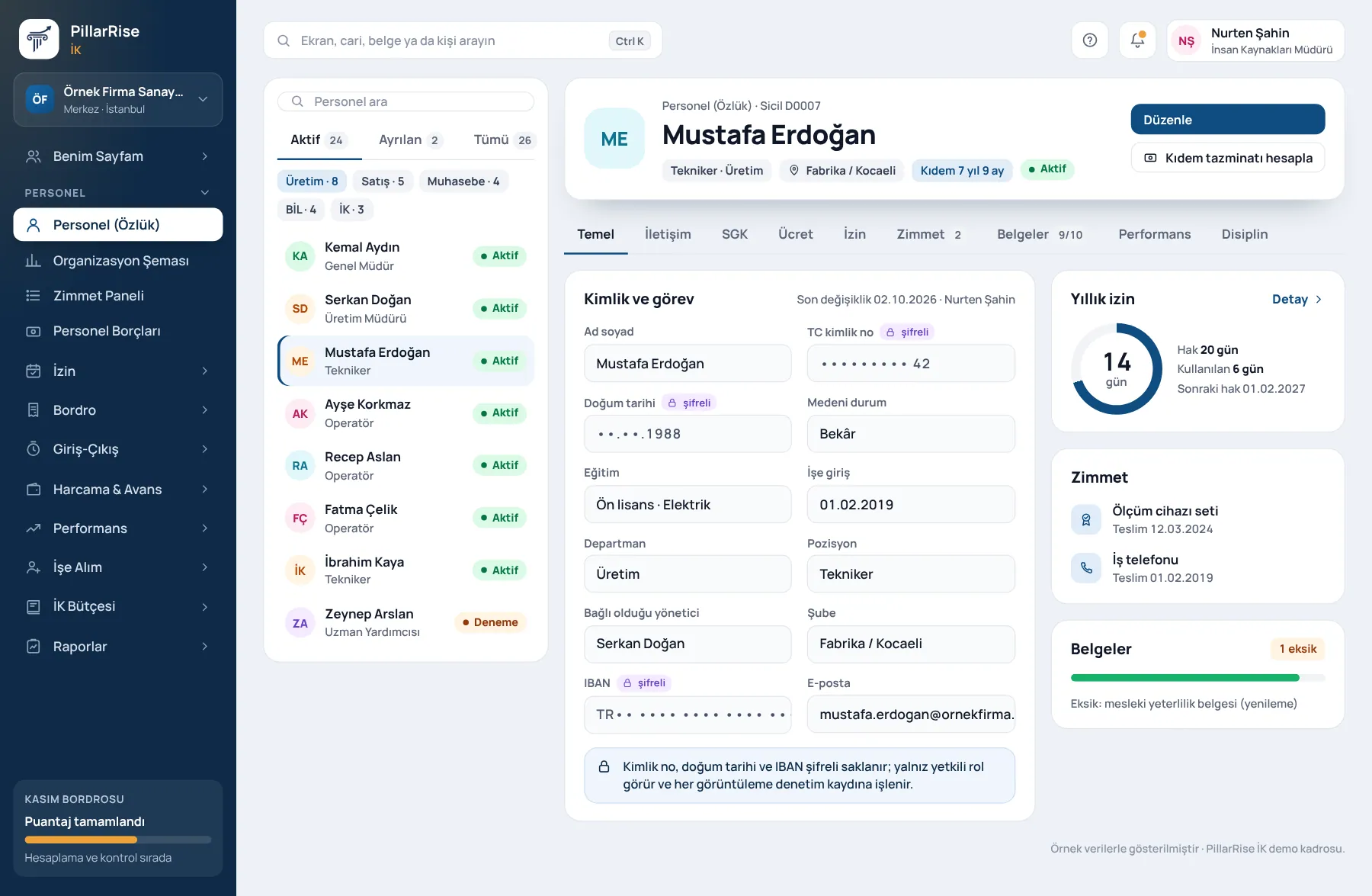
Personnel Records
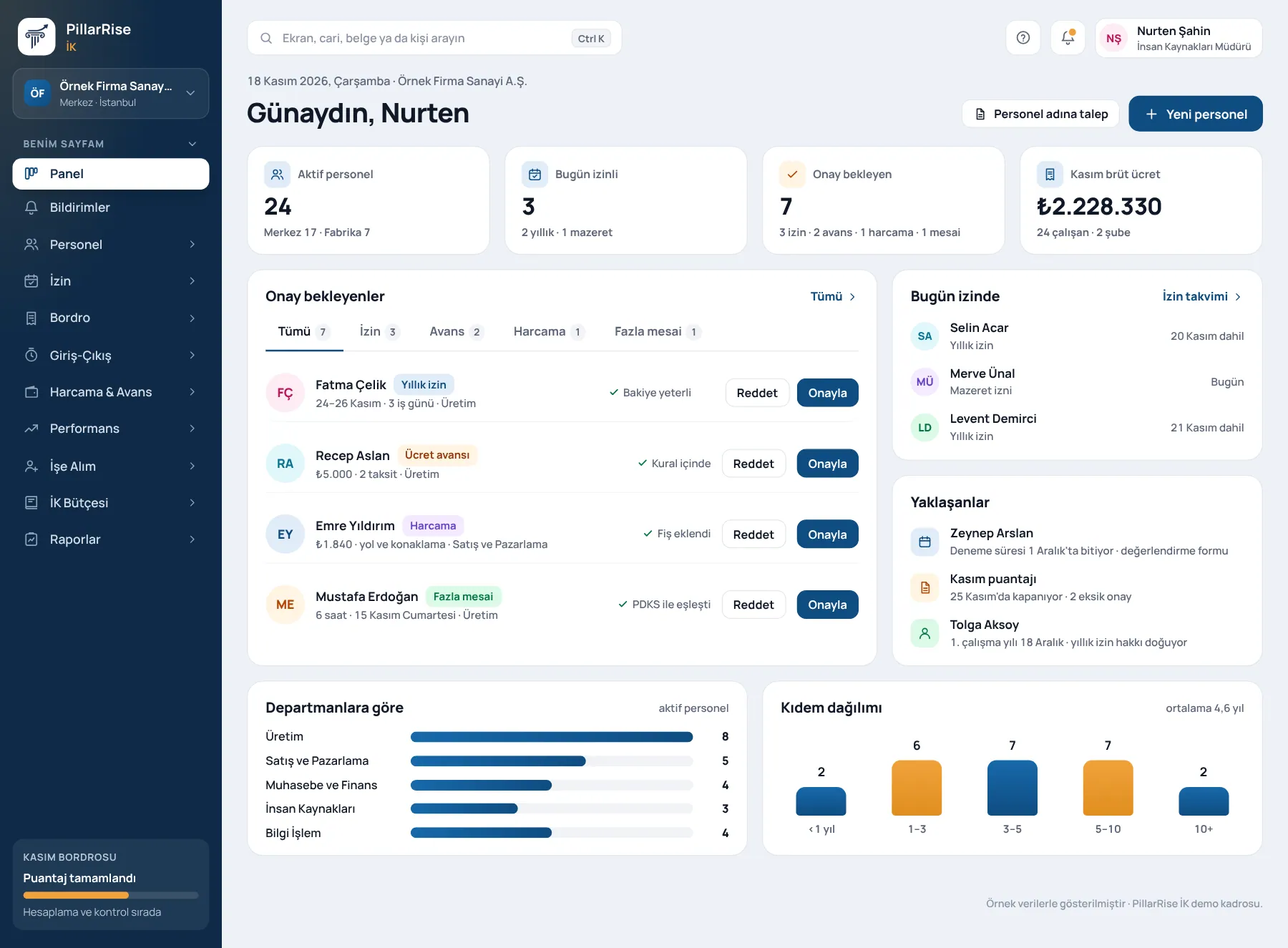
Shown with sample data. Business and personal names are not real. Application screens are in Turkish.
Records and organisation
Salary, national ID and IBAN fields are encrypted; company-specific fields can be added.
Uploaded with a template; preview, error report and duplicate check.
Drawn from manager and department data; approval and visibility rules are read from it.
Probation review forms, expiring documents, contract end dates and anniversaries.
An employee with open assets, pending leave or an advance cannot be signed off.
Turkish, English and Arabic. The payslip original is in Turkish (Law 805) and a copy is given in the employee's language.
Joining
The new starter's documents, social security registration and mandatory training move on one list; the process does not close with items missing.
Shown with sample data. Business and personal names are not real. Application screens are in Turkish.
PillarRise HR
All on the same database with one login; add them as you need them.
Frequently asked questions
With the Excel template, in bulk; with a preview and an error list.
Salary and identity fields are closed by default; access is granted from the scope in the organisation chart and every view is written to the audit log.
In a 30-minute demo we listen to how you work and open the Personnel Records screens with an example close to your business. Set-up is done as process design, with support from our consultants.
Your cookie preference We would like to use Google Analytics cookies to improve the site and measure whether our advertising works. These cookies run only with your consent; if you decline, the site works just the same. Cookie Policy (TR)